One of the most common mistakes I see non-technical founders make isn’t a product mistake or a hiring mistake. It’s a setup mistake.
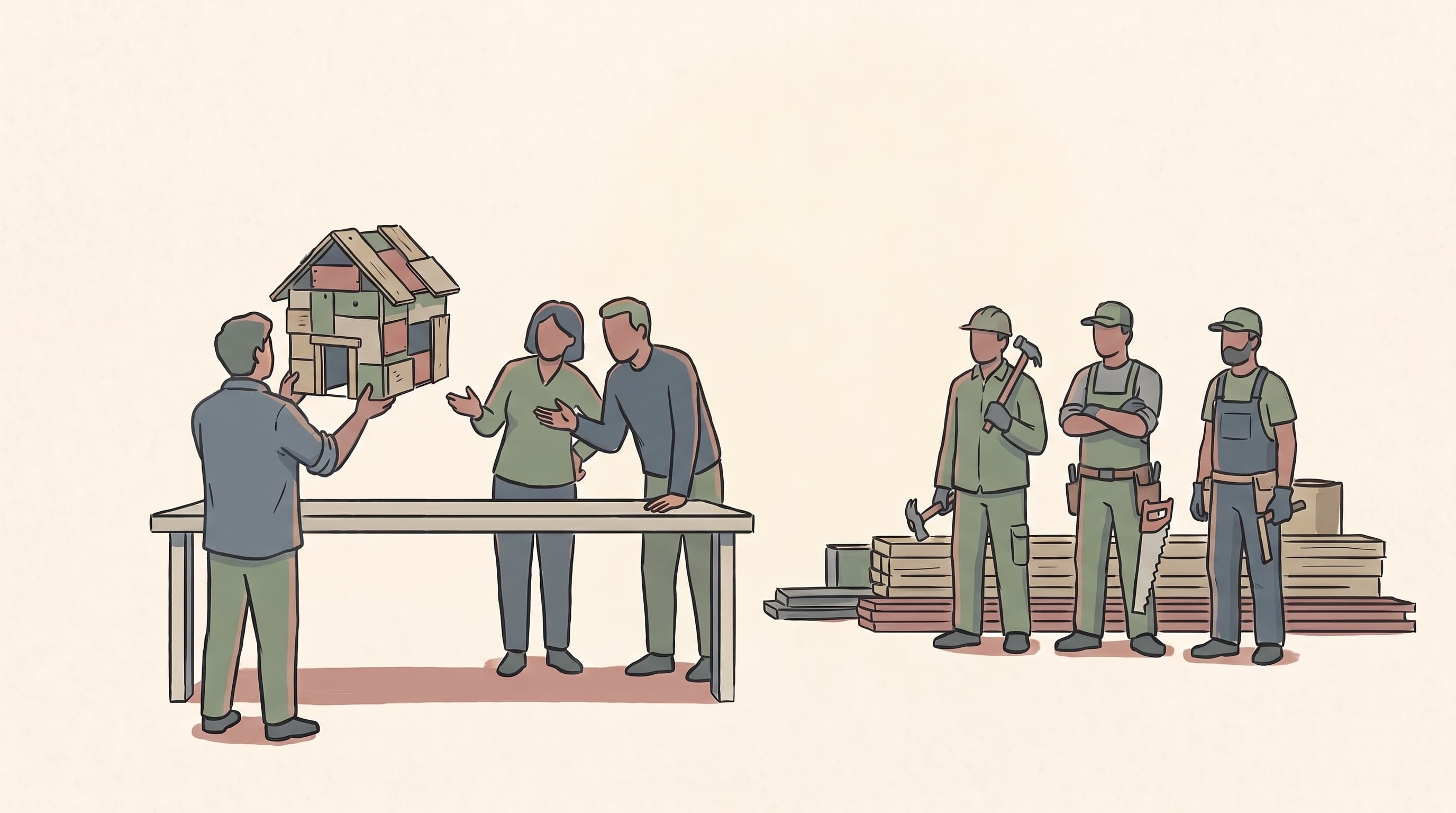
They bring on a developer whether it be a freelancer, an agency, an early technical hire and hand over the keys. Development happens somewhere they can’t see. Updates come through Slack messages and demo calls. And when the relationship ends or something goes wrong, they realize they don’t actually own what was built. Or they can’t access it. Or they don’t even know what’s in it.
This is preventable. Not with technical expertise, but with the right set of tools configured before the first line of code gets written.
What follows is the minimum viable setup for a non-technical founder working with any development partner. Every tool on this list has a free tier. Most take less than an hour to configure. All of them shift the dynamic from “I’m trusting you to keep me informed” to “I have visibility by default.”
The Principle Behind the Stack
Before the tools, the mindset: your job isn’t to micromanage developers. It’s to create an environment where good work is visible and accountability is structural rather than interpersonal.
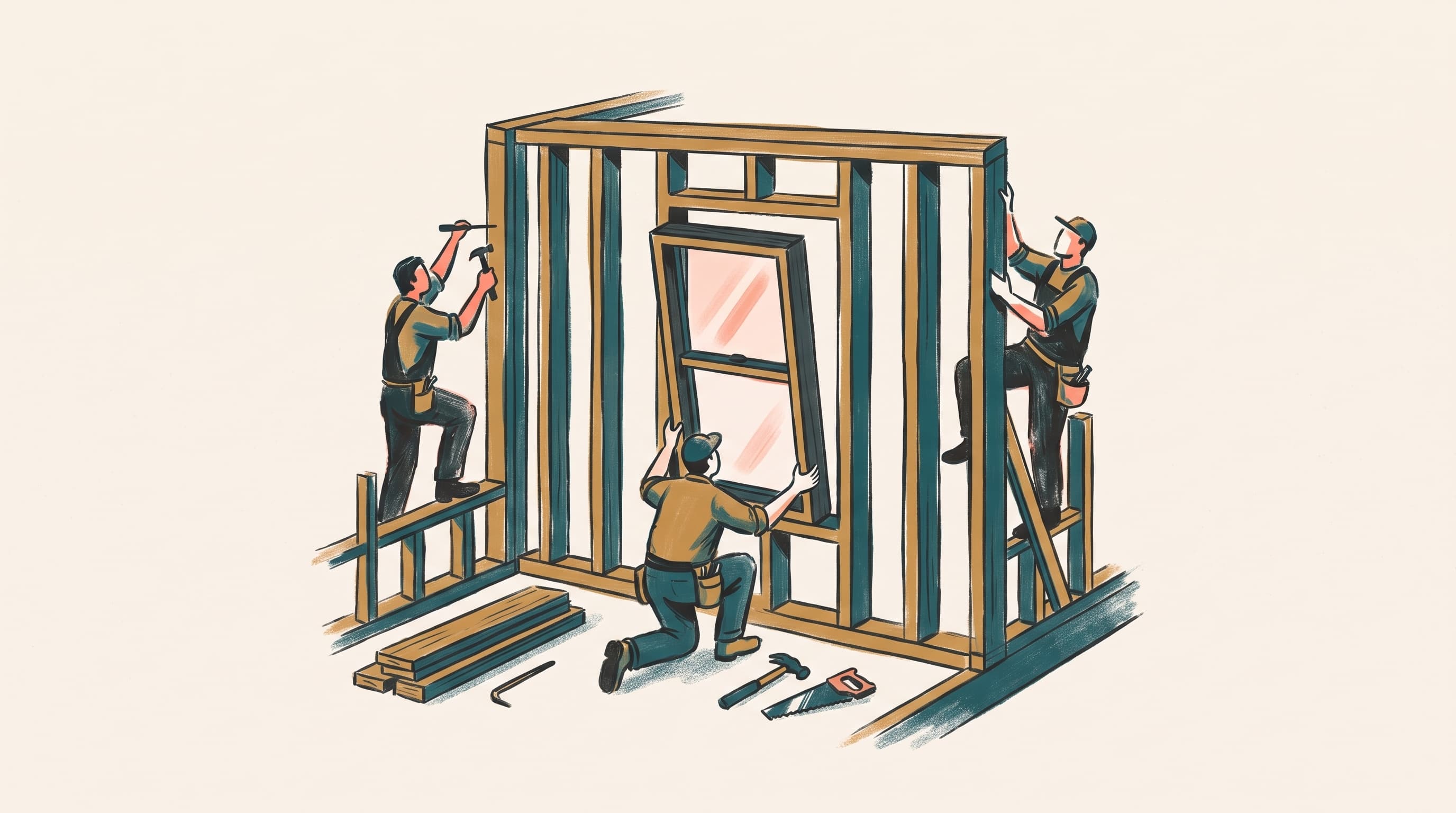
A developer working in a shared GitHub repository, updating tasks in a project management tool, and communicating in a channel you can read — that developer isn’t being watched. They’re working in a professional setup that any serious team uses anyway. If a developer resists this setup, that’s important information.
The tools don’t just protect you. They signal to the people you work with that you’re organized, serious, and worth working with.
1. Your Domain and Google Workspace
Start here. Everything else gets anchored to it.
Register your domain through Squarespace Domains (domains.squarespace.com) or a registrar like Namecheap, then set up Google Workspace on it. This gives you a professional email address (you@yourcompany.com) and immediately unlocks Google Drive, Docs, Sheets, and Meet which are all under your ownership, not a personal Gmail account.
Why this matters: vendor accounts, app store developer accounts, hosting logins, and third-party services should all be registered under your company domain. If a developer registers a key service under their personal email and leaves, you may not get that account back. Start clean and own the foundation.
What to set up:
- Google Workspace Starter ($7/user/mo) — includes Gmail, Drive, Docs, Meet, and Sheets
- Company domain — registered in your name, not a developer’s
- Google Drive shared folder structure — one folder per project, shared explicitly with collaborators
Free alternative: a personal Gmail can work in the early days, but migrate to a company domain before you bring on any external partners. The cost of not doing it early is higher than the $7/month. And when you’re ready to grow, it’s worth knowing that higher Google Workspace tiers unlock increasingly powerful Google AI products — from expanded Gemini access across all your apps to NotebookLM, Workspace Studio for no-code AI automation, and more. The foundation you set up today scales with you.
2. GitHub — Where the Code Actually Lives
GitHub is where your source code is stored, versioned, and protected. If you’re paying someone to build software and they’re not committing code to a GitHub repository you own, you don’t own the software. Full stop.
You don’t need to read the code. You need to own the repository. Every commit, every change, every version of the product lives here. If a developer disappears, you have the code. If you hire a new developer, they have the history. If something breaks, you can roll back.
What to set up:
- GitHub account — free tier is sufficient for most early-stage projects
- Organization account — create one under your company name, not your personal GitHub handle
- Repository per project — require all developers to push code here, not to their personal accounts
- Branch protection rules — a simple setting that prevents code from being pushed directly to your main branch without review
The ask to any developer you bring on: “All work goes into our GitHub organization. You’ll be added as a collaborator.” Any developer worth working with will have no issue with this.
This same standard applies to no-code and low-code platforms. Before committing to any tool, confirm that it either connects directly to GitHub or allows you to export the underlying code. A platform that locks your product inside its own ecosystem with no export path is a platform you don’t fully own. If you ever need to migrate, bring on a developer, or move to a custom build, that locked-in code becomes a serious liability. Portability is a requirement, not a nice-to-have.
3. Linear — Project Management That Developers Actually Use
There are dozens of project management tools. Linear is the one that has earned genuine adoption from developers and engineers. It’s fast, opinionated, and designed for software teams which means your developers won’t resist using it.
As a founder, Linear gives you a real-time view into what’s being worked on, what’s done, and what’s blocked. You’re not dependent on a developer sending you a weekly update. The work is visible by default.
What to set up:
- Linear free tier — covers unlimited issues and members for small teams
- One workspace per company — with a project per product or initiative
- Cycle or sprint structure — even a loose two-week cadence creates accountability
- Status workflow — Backlog → In Progress → In Review → Done; require developers to move their own tickets
The goal isn’t to track every minute of developer time. It’s to have a shared source of truth for what’s been agreed upon and what’s actually happening. Without it, scope creep and miscommunication are almost inevitable.
4. Slack — Communication That Creates a Paper Trail
Email is where decisions go to die. Text messages are invisible to anyone who joins your team later. Slack is the middle ground: real-time communication that’s organized by topic, searchable, and shared.
The free tier of Slack limits message history to 90 days, which is fine for early-stage work. This is actually an important reason to pair Slack with Notion: any decision made in Slack should be documented in Notion. Slack is where the conversation happens; Notion is where the conclusion lives. Don’t rely on message history to be your record of what was decided as it won’t be there when you need it. The more important habit is using it: all project communication goes through Slack, not DMs, not email threads, not text chains.
What to set up:
- #general — team-wide updates and announcements
- #dev (one per product) — all development discussion, questions, and updates
- #design — feedback, assets, and design decisions
- #launches — milestones, releases, and shipping moments
A simple rule: if a decision was made about the product, it needs to exist in Slack. Not just in someone’s head. This protects you when people transition off the project and gives any new collaborator immediate context.
5. Notion — Your Single Source of Truth
Notion is where the product lives in words. The vision document. The feature specs. The decisions that were made and why. The onboarding guide for new team members.
Unlike Linear, which tracks tasks, Notion stores knowledge. These are different things and both matter. A task tells you what to build. A spec tells you what it should do and why it exists.
What to set up:
- Notion free tier — generous for small teams; covers most early-stage needs
- Product wiki — vision, target user, feature list, out-of-scope decisions
- Decision log — a simple running doc of key decisions made, who made them, and why
- Meeting notes — every developer sync documented, action items captured
The decision log is underrated. When a developer asks “why are we doing it this way?” or a new collaborator joins and challenges an earlier call, having a written record of the reasoning is worth more than you’d think. It also forces discipline in the decision-making process itself.
The Full Stack at a Glance
Here’s the complete setup, in the order you should create each one:
- Google Workspace — domain, email, Drive, Docs
- GitHub Organization — code ownership and version history
- Linear — task tracking and sprint visibility
- Slack — communication and decision trail
- Notion — product knowledge and specs
Total cost at free tiers: $0, plus $7/month for Google Workspace. That’s the price of a coffee to set up infrastructure that protects your most important asset — your product.
One Final Point on Ownership
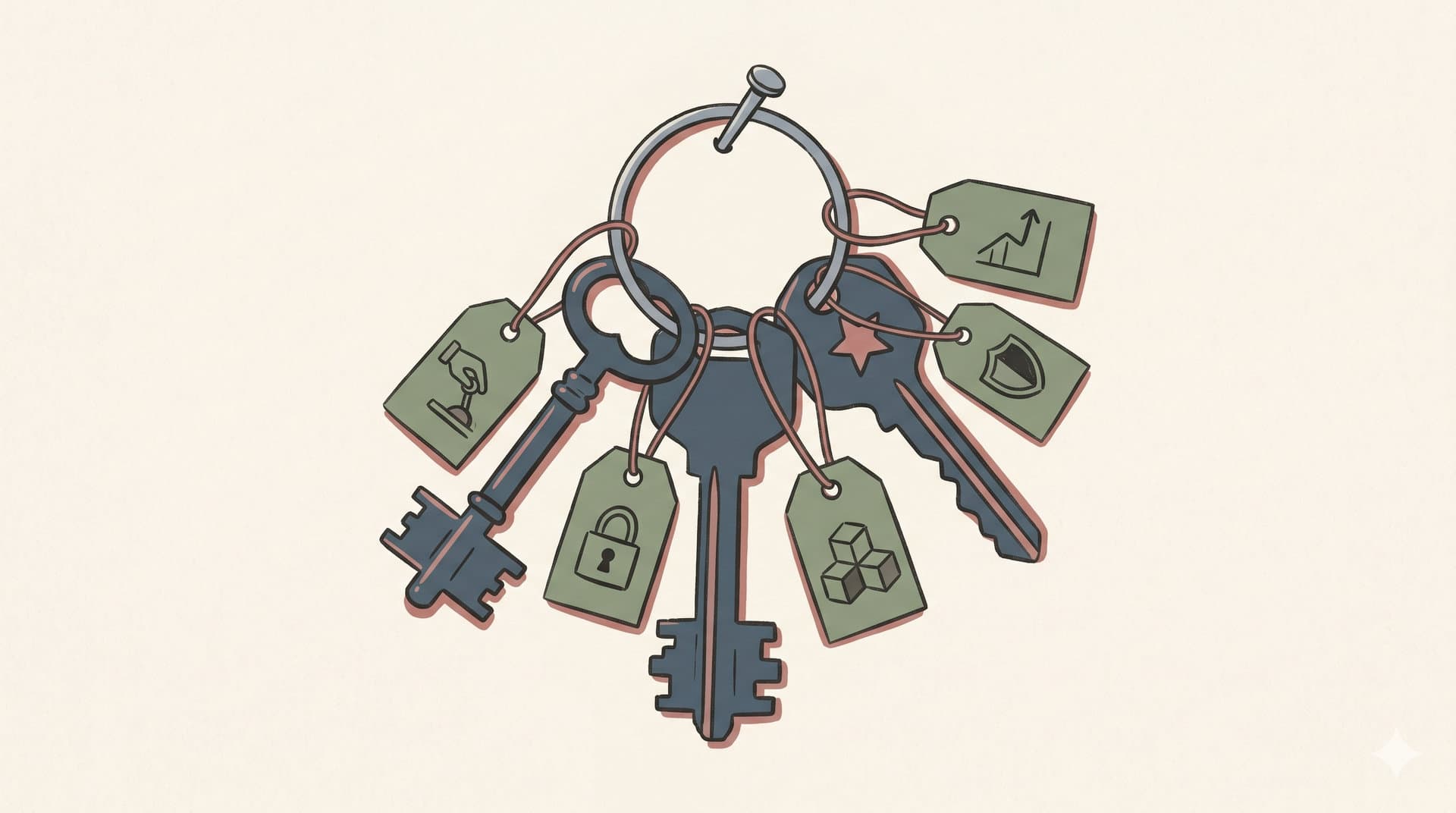
Every account, every repository, every tool in this stack should be created by you and owned by your company entity. Developers and contractors get added as collaborators or members. They do not create the accounts on your behalf.
This sounds obvious. It isn’t, in practice. Early-stage founders hand over too much too fast because they’re focused on speed. And when a relationship ends (even a good one that ends on good terms), untangling account ownership is a headache you don’t need.
Set it up right once. Then focus on building.
— Joe Gus
Founder, Genesis 37 Labs · From Vision to Version 1
If you’re a non-technical founder trying to get from idea to build without the costly missteps, this is exactly what G37 Labs is built for. Start with a conversation at g37labs.com.